
Bring the silo to your desktop.
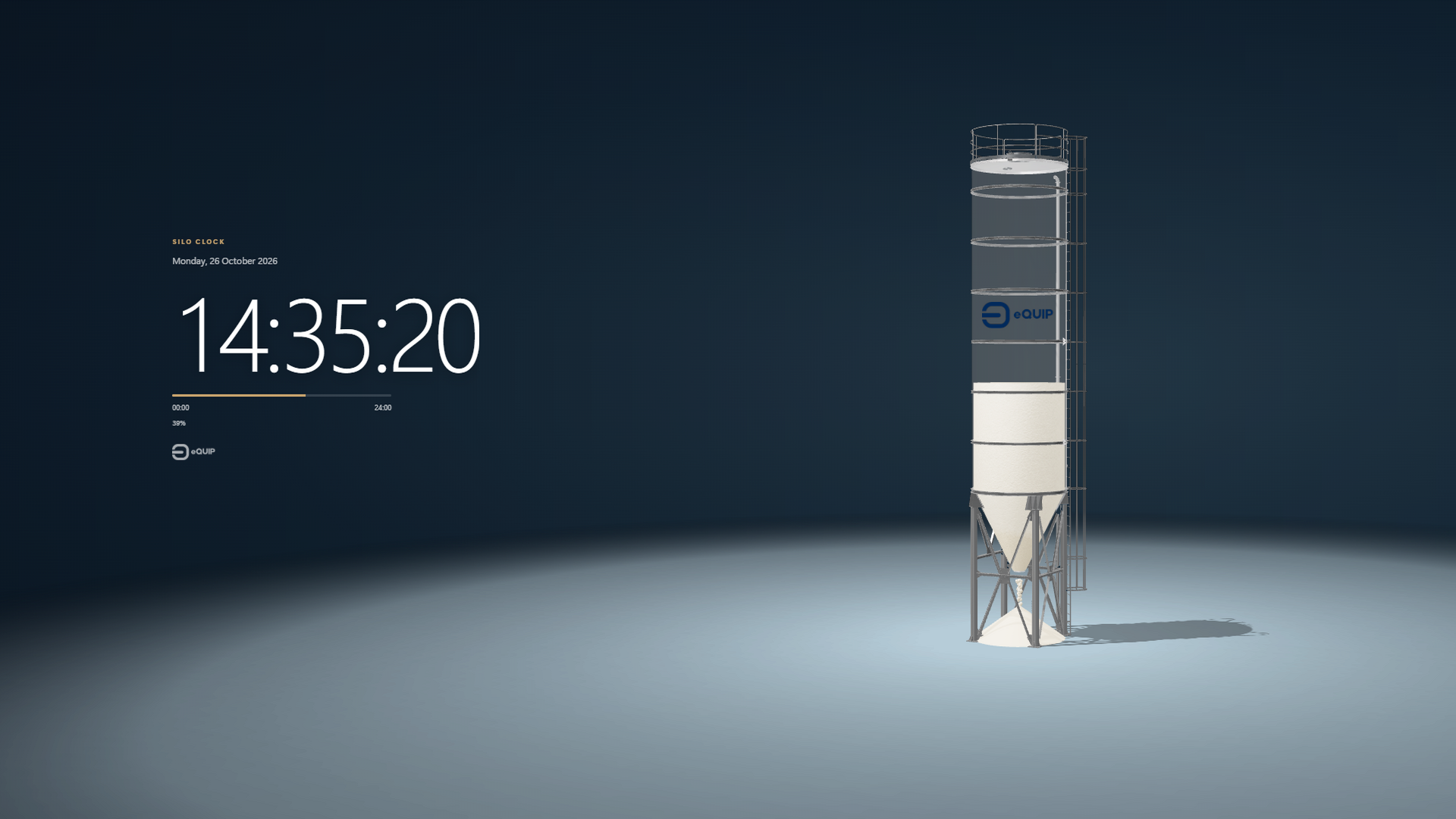
Watch time pass through a silo. Customizable clocks and an animated desktop wallpaper.
Explore the app
- Animated 3D silo and fill-level indicator
- Hourly and 24-hour cycles, workday mode and timer
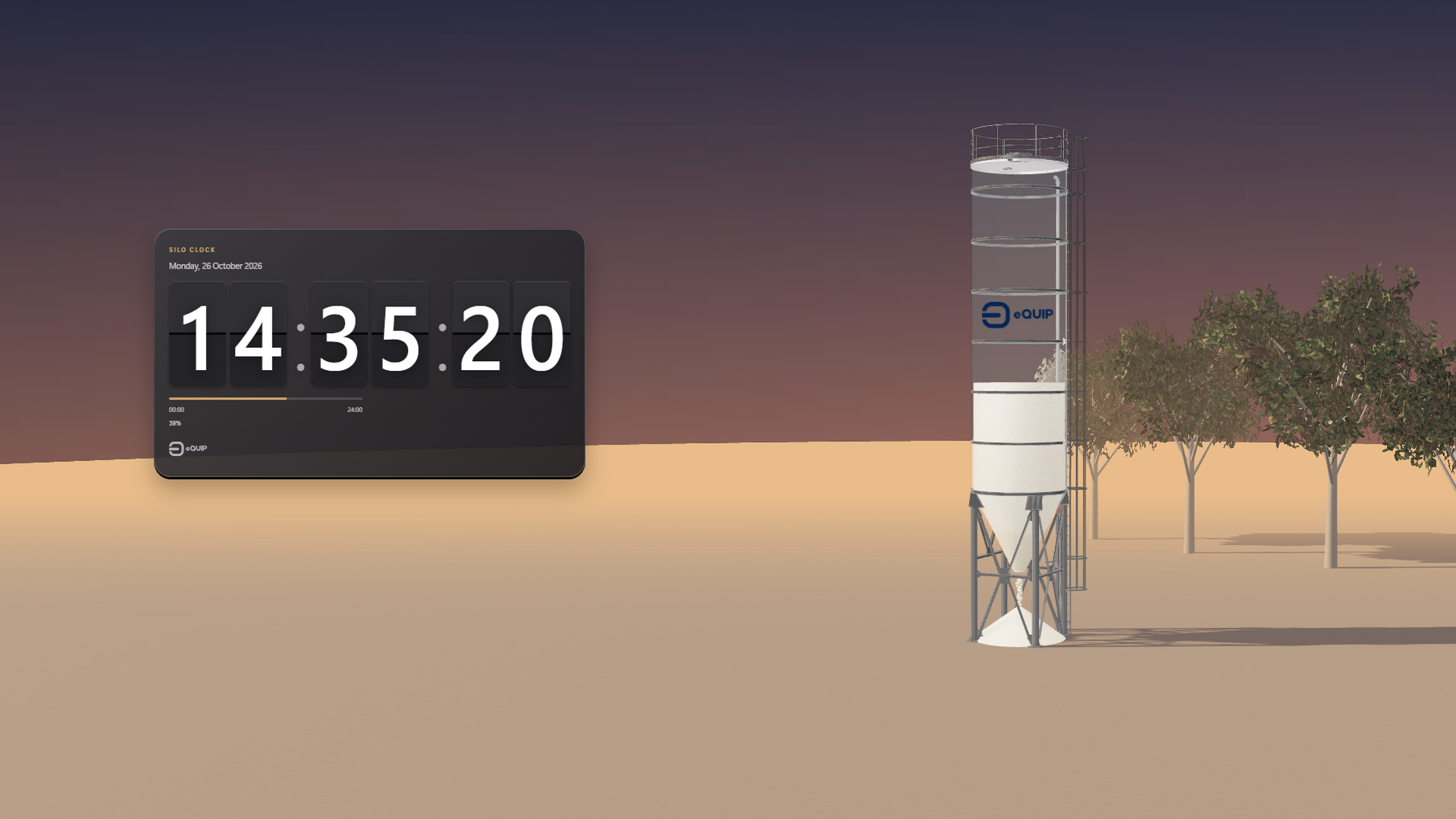
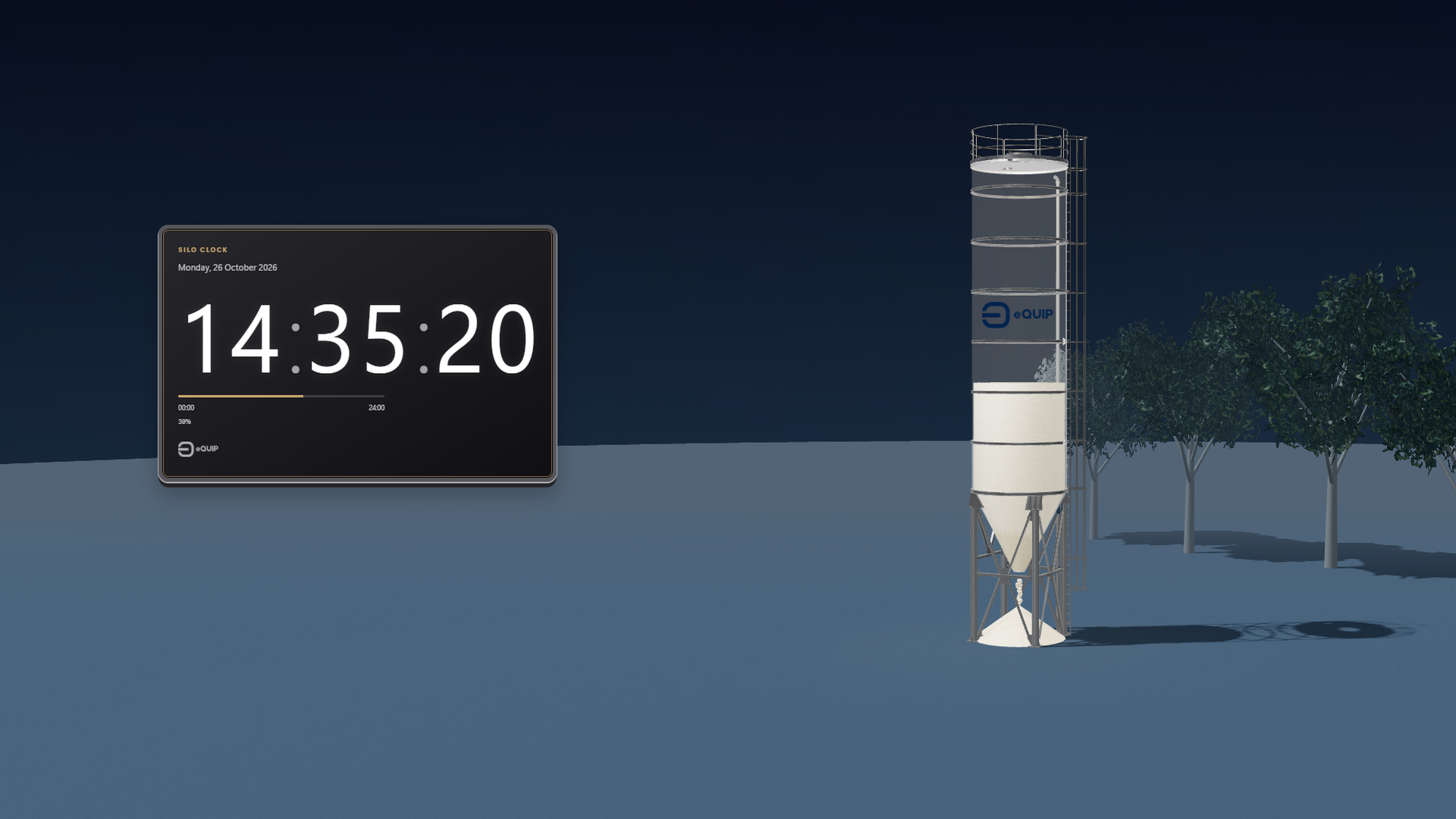
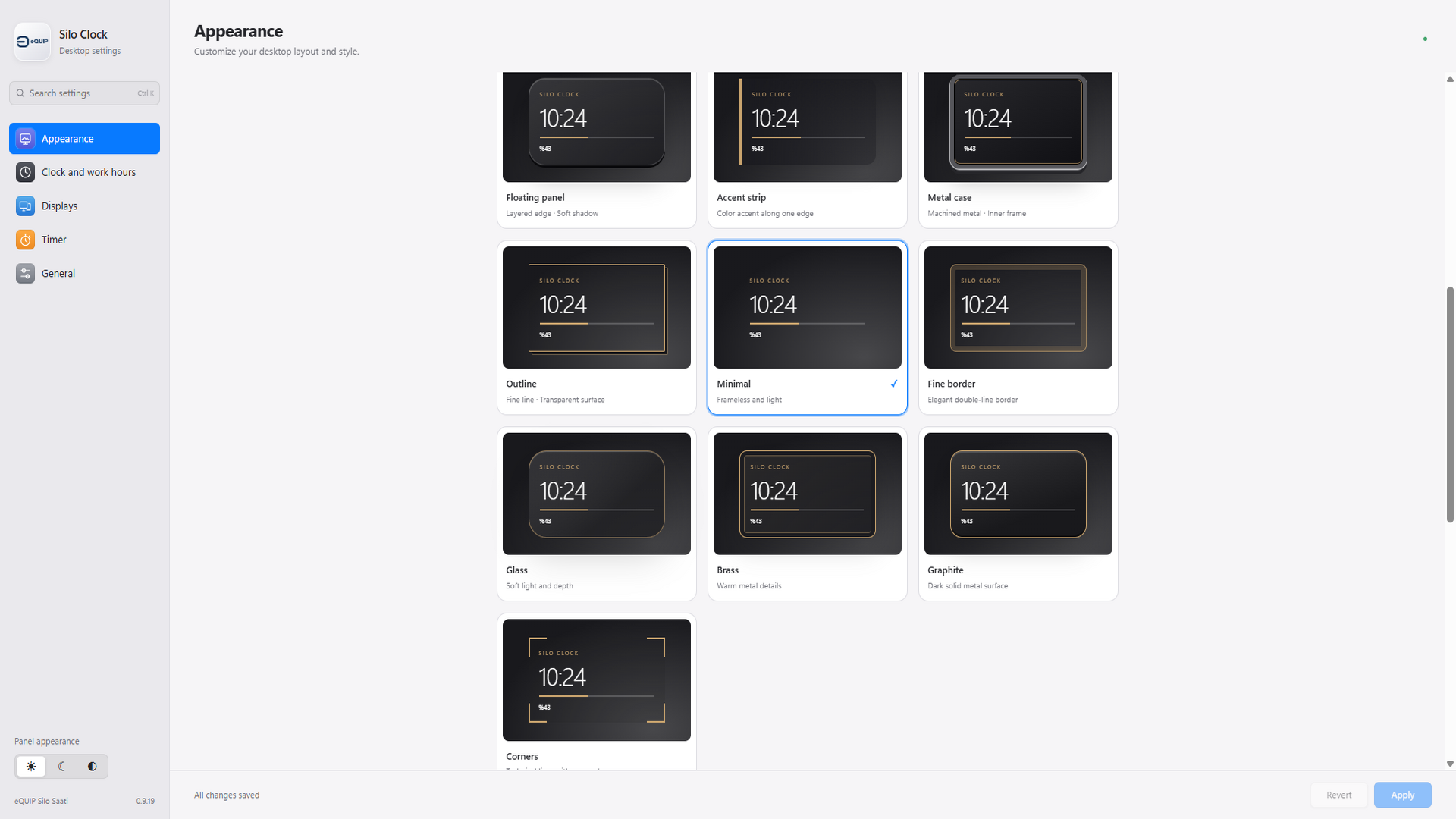
- Classic, digital and flip clocks; 10 frame styles and 14 fonts
- Per-monitor layouts, dragging, resizing and position locks
- 6 background themes and 6 interface languages
- Works offline; no account required
See it in motion
Clock styles and desktop settings
About the application
eQUIP Silo Saati brings an industrial silo to your Windows desktop. As time passes, material drains from the silo and collects in a pile below.
Choose an hourly or 24-hour cycle, set your working hours, or start a timer from 1 to 180 minutes. Personalize classic, digital and flip clock faces with different frames, fonts and colors.
Move and resize the clock and silo on your desktop, then lock their positions. Use separate layouts on multiple monitors or copy settings between screens. Choose understated backgrounds or courtyard, sunset and night scenes with trees.
Open settings from the eQUIP icon in the notification area. Desktop editing shortcut: Ctrl + Alt + E. The app works offline and requires no account. Available in Turkish, English, French, German, Polish and Spanish. In the Store version, launch at sign-in is managed in Windows startup settings.
A Windows desktop application. The animated 3D scene uses your GPU; a lower frame rate can be selected in settings.


